Multi-screen and Dark Mode launched
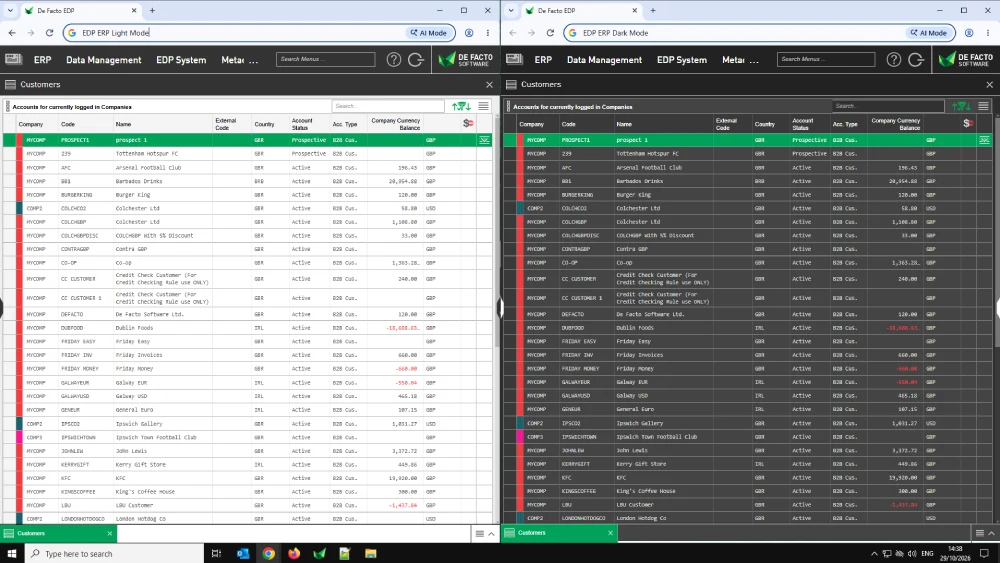
We have had quite a few user requests for the ability to work on multiple screens over the course of this year. Well you asked, and we listened! Simply Shift+Click on any menu item, and it will open in a new browser tab which you can pop onto a second screen.
But we didn't stop there. On login you are now presented with a Recently Closed / Workspaces dialogue which lets you quickly get back to where you were after a previous session.
Another popular request is for EDP to work in Dark Mode. So we now have a friendly toggle in the Session Menu which lets you switch between the Light Side and Dark Side anytime you like.